
· Marcus Vega
Gaming Desk Cable Management: Do It in This Order
Most setups are not messy because nobody tried. They are messy because the tidying started in the middle — a clip here, a bundle there, around gear that never moved. Two weeks later the desk looks the same as before.
The version that lasts is a sequence, and the surface is the last step rather than the first.
Why the surface goes down last in gaming desk cable management
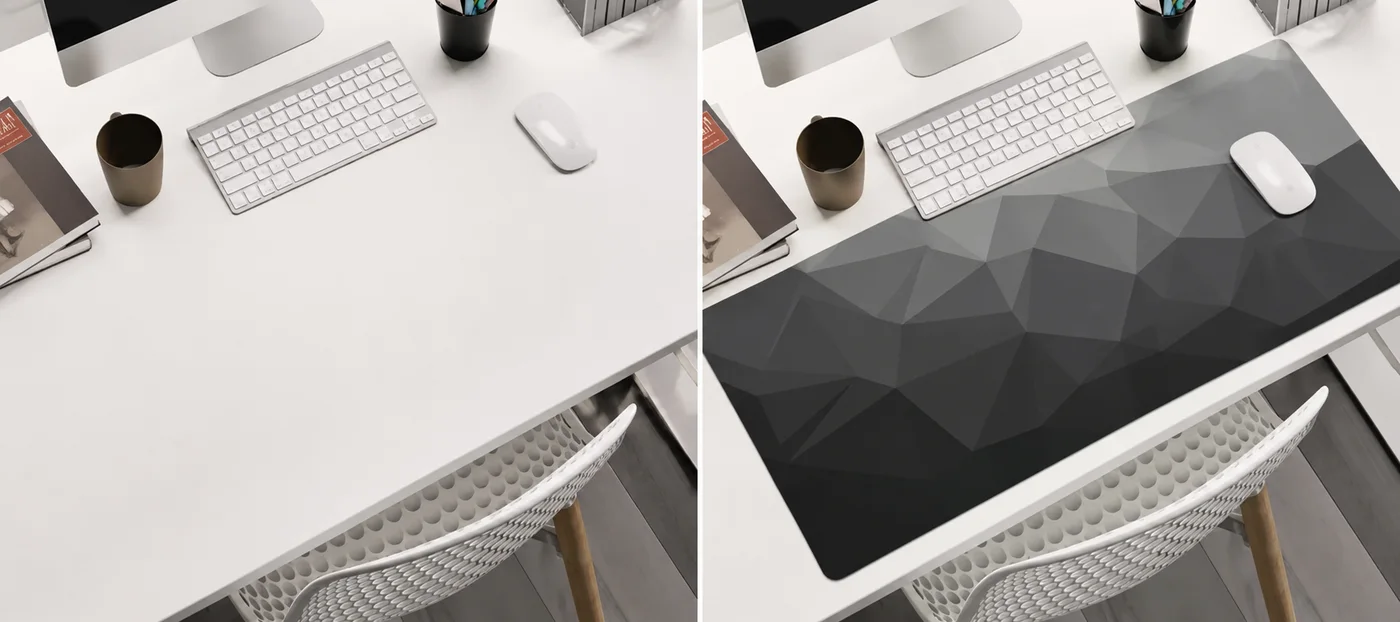
An XXL mat is the largest single object on your desk and the one thing you do not want to lift twice. It also covers most of what you are about to organise.
the surface of a standard 10x8 inch pad, covered by one 36 x 16 inch XXL mat — which is most of a desktop, and most of the area where cables would otherwise sit
— Deskaru product measurements, 2026
So the mat is not a decoration you add at the end of a tidy-up. It is the lid. Everything you want fixed, routed and forgotten has to be finished before it goes down.
The sequence that works:
- Strip the desk. Everything off, mat included. You cannot route around a keyboard.
- Unplug and sort. Two piles: cables that will never move again, and cables you touch during a normal week. That single split decides everything that follows.
- Route the permanent pile. Along the back edge, then down, in one run. Nothing crosses the desktop.
- Deal with the strip and the power bricks. Off the floor, off the walkway, nothing chained.
- Lay the mat. Position it, check nothing is trapped, put the gear back on top.
- Add the movers last. Headset, controller cable, phone — the ones that need slack.
Steps one and two do most of the work. Everyone wants to start at step three.
Nothing runs under the mat
This is the one rule in this guide with no exceptions, and it is the rule people break first, because tucking a cable under a mat looks like tidying.
Here is what actually happens. A Deskaru mat is 2 mm thick: a fine-weave printed textile bonded to a textured rubber base. Put a cable under that and it does not disappear — it telegraphs. You get a raised line across the print, and because the base is soft rather than rigid, the ridge stays exactly as wide as the cable. Your mouse crosses it on every swipe to the right, your forearm rests on it while you type, and a keyboard sitting half on it stops sitting level.
total thickness of the XXL mat — a printed textile face bonded to a textured rubber base, held by a stitched border. Too thin to hide a cable, which is the point
— Deskaru product measurements, 2026
There is a second reason, and it is not cosmetic. A cable under a mat is a cable being pressed on for hours a day by a keyboard, two forearms and whatever is loaded on top. In its report on residential electrical fires, the U.S. Fire Administration lists that same failure mode among its extension cord precautions: avoid putting cords where they can be damaged or pinched, like under a carpet or rug.
of residential building electrical fires had extension cords as the specific equipment involved in ignition — the same report tells you to keep cords out from under floor coverings, where they get pinched
— U.S. Fire Administration, Residential Building Electrical Fires (2014-2016), 2018
A desk mat is not a rug, but the mechanism is identical: soft covering, steady load, cable in between, no way to see what is happening. Cables go behind the mat and down, and the underside stays empty — which, as the guide to what a mat protects and what it traps covers, is also how you keep grit from grinding against your desktop.
Gaming desk cable management: bundle by how often a cable moves
The usual instinct is to bundle by destination. It fails within a month, because the bundle always contains something you have to pull back out of it.
Sort by movement instead:
- Never moves. Monitor power, monitor signal, tower power, network cable, the lighting behind the screen. Bundled tight, fixed once, forgotten — the only cables that earn a permanent fixing.
- Moves weekly or daily. A headset you unplug, a controller charging cable, a phone cable, the cable on a wired mouse. These stay individually free with deliberate slack, never inside the tight bundle.
- Moves once a year. Anything you reach for when a drive is swapped or a screen replaced. Route it with the permanent pile, but leave its connector end reachable.
Use hook-and-loop ties rather than anything you have to cut off, because you will open every bundle you make at least once. A tie that needs scissors turns a small change into a rebuild, and that is how a tidy desk drifts back.
The test I apply to a finished bundle: can I add one cable to this without undoing it? If the answer is no, the bundle is too tight or it contains something that should never have been in there.
What has to stay within reach
A tidy desk that hides the two ports you actually use is not tidy, it is just inconvenient, and it gets torn apart the first time you need one in a hurry.
Decide before you fix anything: which connections do you make and break by hand, at the desk, without standing up? For most setups that is a short list — a headset, a charging cable, one spare port. Those belong at the front, on the side your dominant hand works, just past the edge of the mat and never on it.

Everything else goes to the back, and the further back the better. The reason is the mat again: a 36-inch mat with a keyboard and a mouse on it already fills the depth you use, and anything landing in front of the monitor competes with the space your mouse needs — the size guide works through how much of a 16-inch depth a real layout consumes.
Under the desk: the strip and the brick
This is the part people improvise, and where improvising costs the most. Three rules cover it, each from a document you can open.
One strip, plugged into the wall. Not into a second strip, not into an extension cord. OSHA's interpretation on power strips cites the listing instructions that govern them: they are not to be series-connected to other RPTs or connected to extension cords. RPT — relocatable power tap — is the formal name for what everyone calls a power strip.
power strips you may plug into another power strip: the UL listing instructions cited by OSHA require each one to go directly into a permanently installed wall receptacle
— OSHA, Compliance requirements for relocatable power taps, standard interpretation, 2002
Do not overload it. The U.S. Fire Administration puts this in the same short list as the carpet rule, alongside using strips that have internal overload protection. If your desk has outgrown one strip, that is a question for a qualified electrician, not a problem to solve with more strips.
Nothing that touches the building's wiring. Everything here happens on the desk, on the floor beside it, or with a plug in your hand. Sockets, circuits and anything behind a wall plate belong to a qualified electrician.
Beyond that, two habits do most of the tidying down there. Get the strip off the floor so it is not sitting in dust or in the path of a chair wheel, and support heavy power bricks rather than leaving them hanging on their own plug.
Where a cable crosses the mat edge
A wired mouse is the one cable that has to live on the working surface, so it gets its own treatment.
Cross the border once, at the back or the side, never at the front where the cable would run through the area your hand sweeps. A Deskaru mat is stitched flat around the whole perimeter rather than finished with a raised lip, so the crossing point is a low, even step and the cable sits over it without a ridge to catch on.
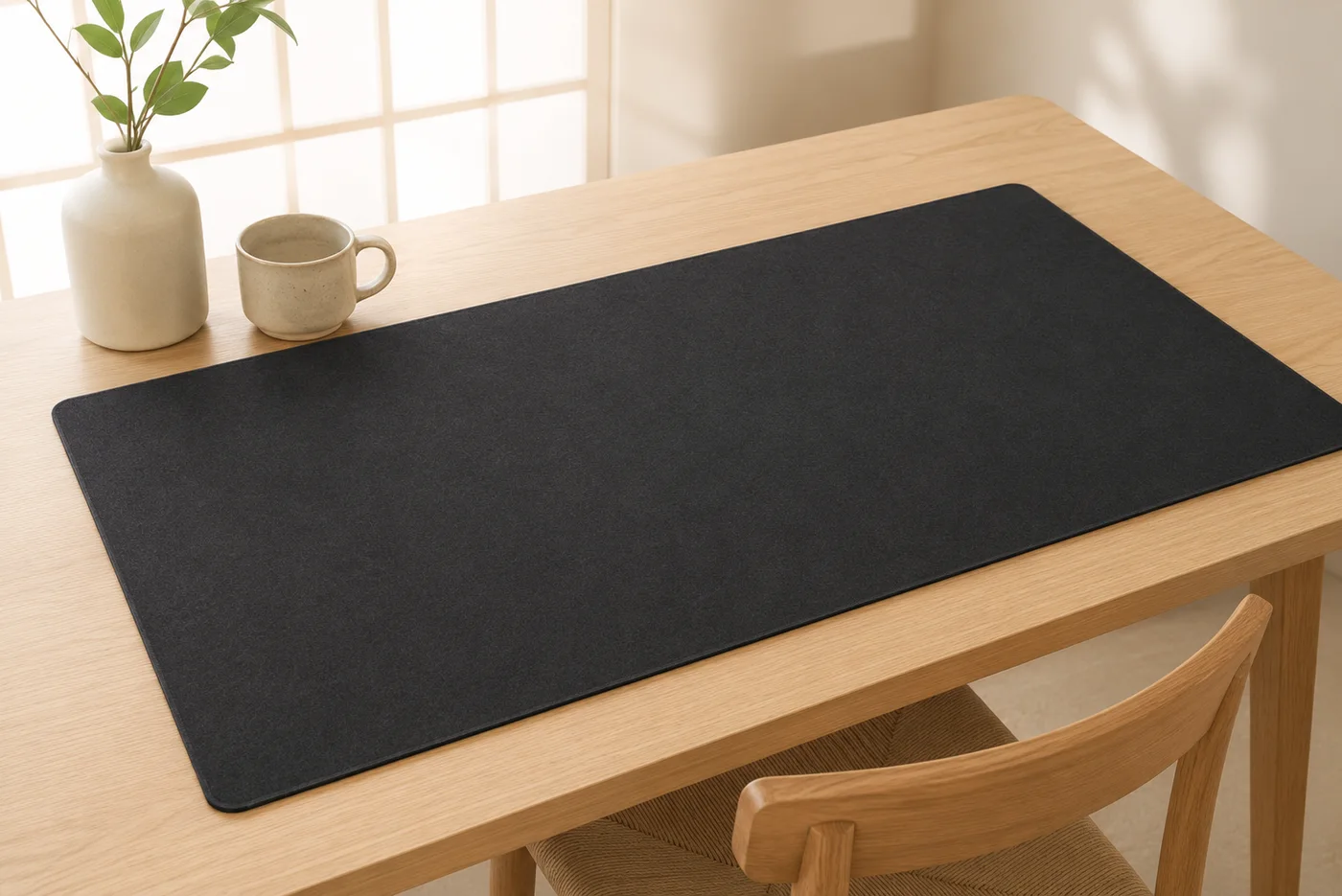
Then put the slack behind the monitor, not on the mat and not in a coil under it. A wired mouse needs enough loose cable to reach the far corner of a 36-inch surface without tugging, and the place to store it is off the surface entirely. If the cable drags on wide swipes, the problem is where the slack lives.
Wired or wireless, the mat's job is the same: give the mouse one uninterrupted plane to cross, which is the reason surface consistency matters at all — covered in the mousepad surface guide, and visible in the setups on our reviews page.
Cable management for a gaming desk that goes up and down
A height-adjustable desk changes one thing, and it changes it completely: every cable that leaves the desktop now needs two lengths at once.
It has to reach at the tallest position without pulling on anything, and stay off the floor at the lowest. A run that is neat sitting and stretched standing will fail standing — by pulling a plug out or dragging a brick off its shelf.
So the order gains one step: before you fix anything permanently, cycle the desk through its full travel with everything connected and loosely arranged. Watch what goes tight and what pools on the floor.
- Give the fixed bundle its slack at the top of the travel. Measure the worst case, not the comfortable one.
- Keep the slack in a loop that hangs, not a coil that is pinned. A hanging loop takes up the difference on its own as the desk moves.
- Watch what the desk can pinch on the way down. A cable resting on a cabinet behind the desk becomes a trapped cable at the lowest setting.
- Leave the mat alone. It travels with the top and its textured rubber base keeps it registered where you put it.
That last point is the quiet advantage of doing the surface last: it is the only element a moving desk does not affect. If you are planning the rest of a build — space, light, posture — the launch-night setup checklist runs through the whole desk on a timeline, and a PU leather mat behaves the same way on a moving top if you want a wipe-clean surface instead of cloth.
Frequently asked questions
Can I run a cable underneath my desk mat?
No. A mat is 2 mm of textile over a rubber base, so anything underneath shows as a ridge on top, and your mouse crosses that ridge on every swipe. A cable under a loaded mat is also being pressed on all day — the pinching fire services tell you to avoid. Cables belong behind the mat, not below it.
Where should the mouse cable sit on a desk mat?
Cross the stitched border once, at the back or the side, and let the slack sit behind the monitor rather than on the surface. The border on a Deskaru mat is stitched flat rather than raised, so a cable crossing it has no lip to catch on, and the mouse never meets the crossing point.
Do I need to redo my cables when I get a bigger desk mat?
Only the last step. Routing lives at the back edge and under the desk, and a 36 by 16 inch mat changes none of it. Lift the mat, check nothing has crept underneath, lay it back down.
What changes on a height-adjustable desk?
Everything that leaves the desktop has to reach at the tallest setting and stay tidy at the lowest, so cycle the desk through its full travel before you fix anything in place. The mat itself travels with the top and its non-slip base keeps it registered, so it needs no attention at all.
Bottom line: clear the desk, split the cables by how often they move, route the permanent ones to the back edge and down, keep one strip going straight to the wall, and lay the mat last over a desktop with nothing underneath it. The surface is what makes the result hold, because a flat, uninterrupted plane shows you the day a cable creeps back onto it. Every Deskaru XXL mat is 36 by 16 inches, 2 mm thick and stitched all the way around at $44.95, with free shipping and a 30-day guarantee — and a mat that lies genuinely flat is the one that keeps a tidy desk looking tidy.

Marcus Vega · Setup Lead at Deskaru
Marcus has built and torn down more battlestations than he can count. He writes the Deskaru setup guides.