· Marcus Vega
Best Gaming Desk Mats in 2026: What Actually Matters
Cheap desk mats tend to fail the same few ways: fraying edges, curling corners, prints that fade where your wrist sits. This guide is built around the mats sold at Deskaru and the buyer feedback behind them. Here is what matters, what does not, and which mat fits which player.
The 6 criteria that separate a keeper from a $12 regret
Cheap mats do not fail on day one. They fail in week six: an edge starts fraying, a corner refuses to lie flat, the print goes pale under your mouse hand. Every criterion below exists because it prevents one of those specific failures.
1. Size: XXL or nothing
A standard 10x8" mouse pad forces you to pick up and reposition your mouse constantly, and it leaves your keyboard rattling on bare wood. An XXL mat — ours measure 36x16 inches (90x40 cm) — covers keyboard, mouse, and forearms in one continuous surface. Low-sensitivity FPS players get full swipe room; everyone else gets a desk that finally looks intentional.
more usable surface from an XXL 36x16" mat compared to a standard 10x8" mouse pad
— Deskaru size math, 36x16 vs 10x8 inches, 2026
2. Surface: fine-weave cloth for control and print quality
The surface decides two things: how your mouse glides and how good the artwork looks. A fine textile weave gives a consistent glide — fast enough for flicks, textured enough for micro-adjustments — and holds high-definition print without the pixelated, screen-door look you get on coarse fabric. One verified buyer put it plainly: "my mouse glides on it with ease, easier than on my previous mousepad." That is the bar.
3. Stitched edges: the #1 durability signal
If you check only one thing before buying, check this. Unstitched edges fray, peel, and curl within weeks of forearm contact. Reinforced stitched edges lock the cloth to the rubber base around the entire perimeter, so the mat still looks sharp after months of daily grinding. Every Deskaru mat ships with stitched, reinforced edges — it is the cheapest insurance in the whole product.
4. Base: non-slip rubber, no compromise
A mat that slides is worse than no mat. The base needs enough grip that aggressive mouse swipes and keyboard mashing do not shift it a millimeter. A textured non-slip rubber underside does that on wood, glass, and laminate alike. From verified buyer feedback: "Exactly as advertised. Doesn't slide anywhere and is very high quality material for what i paid."
5. Thickness: 2mm is the sweet spot for gaming
Thicker is not automatically better. A 2mm mat lies dead flat out of the roll, keeps your keyboard stable (no mushy wobble when you bottom out keys), and lets your mouse sensor sit at a consistent height. Plush 4-5mm mats feel cushy for about a day, then you notice your keyboard rocking. If you mainly write longhand and want a firmer pad feel, a PU leather mat is the better route — more on that below.
6. Design: the part you look at 8 hours a day
Performance being equal, design is why you will still like the mat in a year. This is subjective, but there is a real quality gap: HD printing keeps line art crisp and gradients smooth, while cheap dye jobs look washed out on arrival. We run 18 designs across five collections — Japanese art, minimal solids, neon, cats, and sports cars — all printed on the same 36x16" stitched-edge base.
Best gaming desk mat by use case
The best mat is the one that matches how you actually use your desk. Here are my picks, one per setup.
Competitive FPS and ranked grinders → Minimal collection
When you are tracking heads in Valorant or CS2, artwork under your mouse is visual noise. The Minimal collection — Light Gray, Concrete Gray, Black, plus a World Map for the strategy crowd — gives you a uniform, distraction-free tracking surface with the same fine weave and stitched edges. $39.95, and your aim has zero excuses.
Setup aesthetics and stream backgrounds → Japanese or Neon
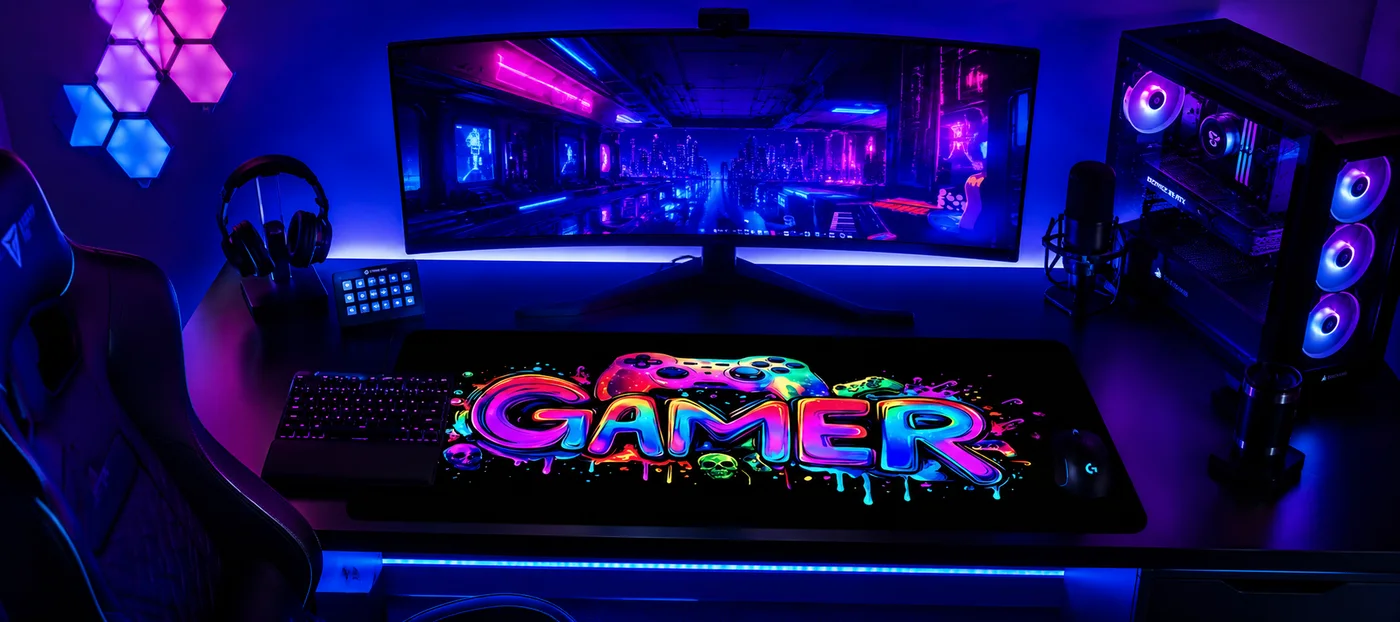
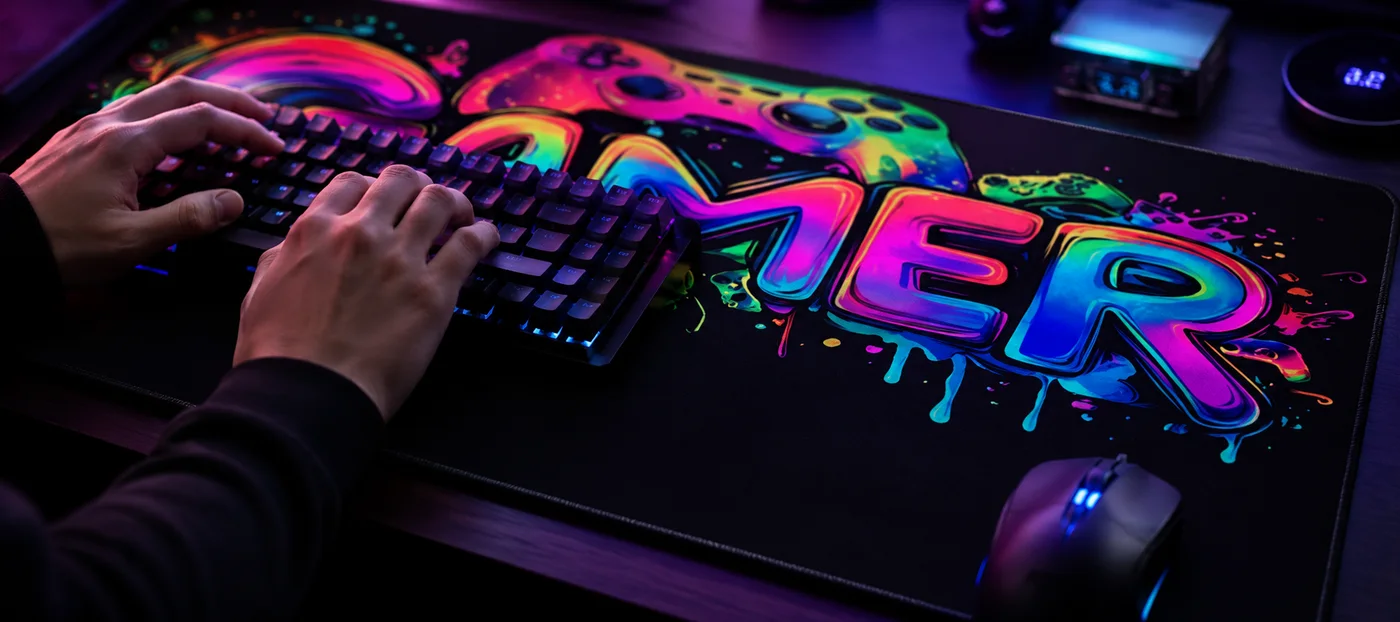
If your desk shows up on camera or you simply care how it looks, the Japanese collection is our signature: six designs including Golden Moon & Koi, Great Wave & Fuji, and Moonlit Pagoda, printed edge to edge in HD. Prefer something louder? The Neon collection's gamer doodles and graffiti pieces pop hard under RGB lighting. Both run $39.95 (down from $59.95).
Office, home office, and hybrid desks → PU leather
Cloth mats read "gaming." If your desk doubles as a workspace for video calls and paper notes, the PU leather desk mat ($39.95) is the grown-up pick: a smooth, firm writing surface, water-resistant so coffee drips wipe off in seconds, in four colors (Chocolate, Latte, Eggshell, Khaki) and two sizes, 31x16" and 35x17". It is PU leather, which is exactly what keeps it at this price, makes cleaning trivial and stops it marking where a glass sat. Buy it for the writing feel and the zero maintenance.
Gifts and one-of-a-kind setups → Custom print
A desk mat printed with someone's dog, guild emblem, or own artwork is a genuinely good gift — personal, useful, and not another mug. Our custom mats come in two sizes: a 10x11.5" mouse pad at $19.95 and the full 36x16" XXL at $39.95. You pay, then email your image following the send your design instructions; a human reviews the file and confirms the print before production, so a blurry photo never becomes a blurry mat. We politely decline copyrighted characters and logos.
Quick comparison
| Pick | Best for | Size | Surface | Price |
|---|---|---|---|---|
| Minimal XXL | Competitive play, clean setups | 36x16" | Fine-weave cloth, 2mm | $39.95 |
| Japanese / Neon XXL | Setup aesthetics, streams | 36x16" | HD-printed cloth, 2mm | $39.95 |
| PU Leather | Office and hybrid desks | 31x16" or 35x17" | Smooth PU, water-resistant | $39.95 |
| Custom XXL | Gifts, personal designs | 36x16" | HD print of your image | $39.95 |
| Custom standard | Budget gift, mouse-only | 10x11.5" | HD print, stitched edges | $19.95 |
All Deskaru mats: free shipping (6-10 business days), 30-day money-back guarantee, secure Stripe checkout. Design, color, and size are picked on the product page before you add to cart — your pick goes with your order and is shown again at checkout.
What I would skip in 2026
Glass pads: loud under the mouse, cold on the wrists, and merciless with dropped gear. RGB-edged mats: the lighting strip is usually the first thing to die, and you are paying for a cable on your desk. Ultra-plush 4mm+ mats: wobbly keyboards, curling corners. And any mat without stitched edges, at any price, is a countdown timer rather than a product.
Frequently asked questions
Is an XXL desk mat worth it over a regular mouse pad?
For most people, yes. You get roughly 7x the surface of a standard 10x8" pad, your keyboard stops sliding, your forearms rest on cloth instead of a hard edge, and the whole desk looks cohesive. The price difference over a decent standard pad is small; the daily-use difference is not.
Do desk mats actually improve aim?
Yes, by removing the variables that make aim feel random: consistent glide across the whole swipe area, no mid-fight repositioning because you ran off a small pad, no pad drift. Consistency is what your aim training builds on, and a 36x16 inch surface is what gives you consistency.
How do I clean a cloth desk mat?
Spot-clean with a damp cloth and a drop of mild soap, then air-dry flat. For the PU leather mat it is even easier — wipe spills straight off the water-resistant surface. Skip the washing machine dryer heat either way; that is how prints and rubber bases die early.
Can I trust the reviews on these mats?
The numbers we publish are verified buyer feedback on the exact mats we sell — 10 reviews on the design mats with a 4.9 average. Read a full sample on our reviews page and judge for yourself.
Bottom line: pick the 36x16" size, insist on stitched edges and a non-slip base, then choose the surface that matches your desk life — minimal cloth to compete, Japanese or neon art to make the setup yours, PU leather for the office, custom print to gift. And if you are rebuilding your whole battlestation this year, start with our GTA 6 setup guide — the desk mat is step one.

Marcus Vega · Setup Lead at Deskaru
Marcus has built and torn down more battlestations than he can count. He writes the Deskaru setup guides.