
· Marcus Vega
Does a Desk Mat Protect Your Desk? What It Stops and What It Traps
Most people buy a mat at Deskaru for the look or the glide, then notice a year later that the desk under it still looks new while the strip beside it does not. That is what desk protection actually looks like: real, measured in square inches, and paired with one habit nobody puts on a product page. Everything the mat keeps off your desk has to go somewhere.
What actually wears a desk down
Desks rarely fail dramatically. They get sanded down by small, repeated events, which is why the damage shows up as a pattern rather than a mark: a dull rectangle where the mouse lives, a shiny half moon where the wrist rests, a pale ring where the mug always lands.
The mouse is the worst offender. PTFE skates are soft, but the dust and grit they pick up are not, and they sweep the same eight inch square thousands of times a week. Keyboard feet do a quieter version of the same thing. Pen pressure adds a third category: writing on a bare laminate top puts a point load through the paper and leaves ghost lines you only see in raking light. Then there is you. Hand oil and forearm contact polish a matte finish into a gloss patch, and that patch never goes back.
Drinks mark desks less often through heat than through water. A cold glass sweats, a warm mug condenses on its base, the moisture sits on an oiled or waxed wood top for twenty minutes, and the finish blooms white in a perfect circle. The classic desk ring is a moisture problem, not a temperature one, and that changes what a mat can do for you.
What a 2 mm cloth mat genuinely stops
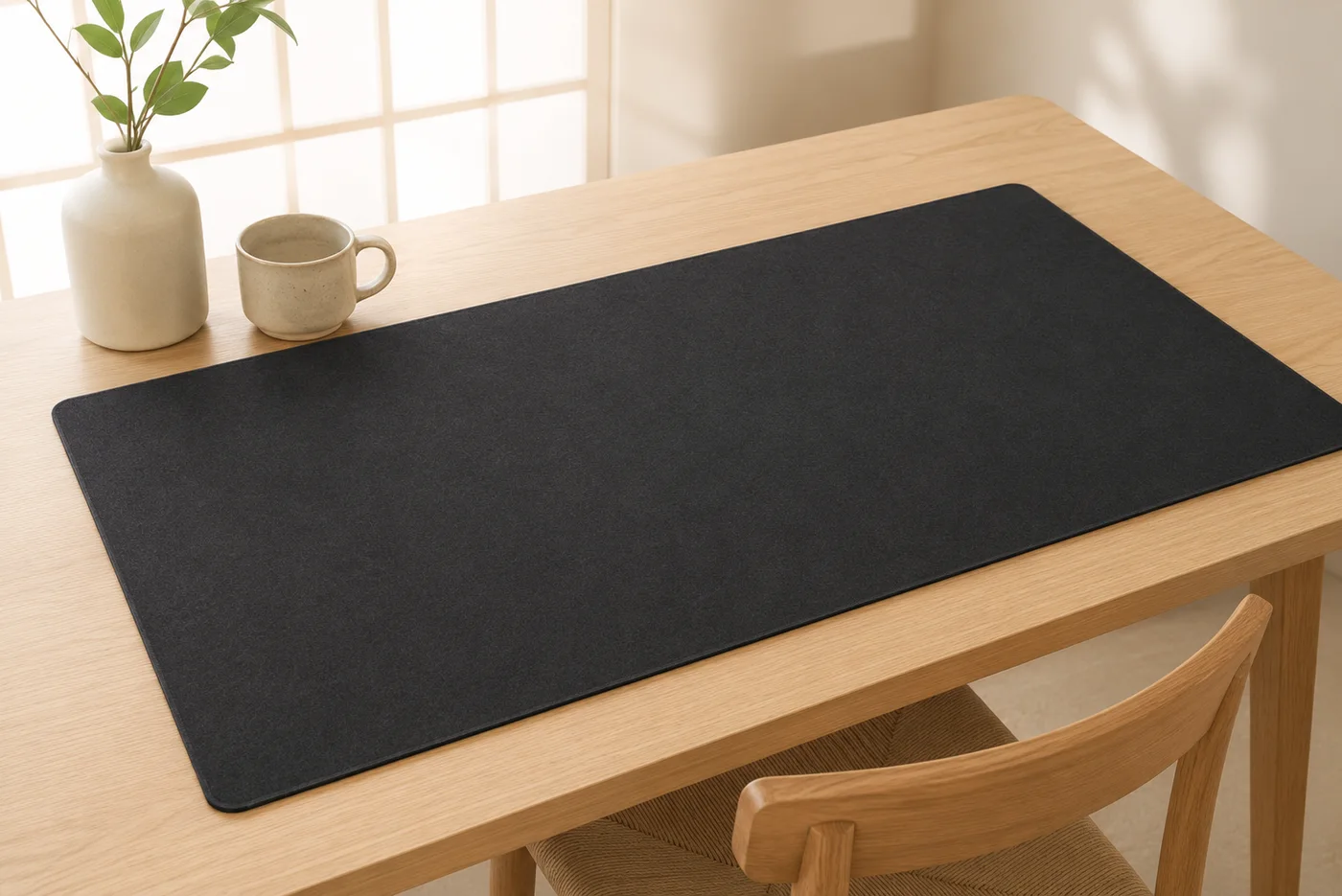
Everything above shares one trait: it needs contact with the desk. A mat removes the contact across its whole footprint, and that footprint is the point of the XXL size.
of desk surface covered by a 36x16 inch mat, against roughly 80 in² under a standard 10x8 inch pad
— Deskaru product measurements, 2026
Inside that rectangle, four things stop happening. Abrasion goes first: mouse skates, keyboard feet and anything you slide across the desk now travel on fabric. Point loads go second, because 2 mm of fine weave spreads the pressure of a pen nib or a laptop corner instead of concentrating it. Condensation rings go third, since the cloth takes the moisture and the desk stays dry. And small spills become a blotting job rather than a refinishing job, as long as you get to them quickly.
The fourth benefit is the one buyers mention without being asked, because it protects the desk indirectly: the mat stays put, so nothing on it grinds back and forth. One verified buyer wrote: "Smooth surface, good colors, anti-slip bottom, stitched edges. Pretty good overall." A mat that creeps is a mat that drags whatever is underneath it.
Where the mat ends and common sense starts
Four things sit outside any 2 mm layer, on any desk.
Heat. Two millimetres of fabric is not a trivet, and it is not meant to be. A cup of coffee is fine on any desk mat, which is the case that comes up every day. A pan, a soldering iron or a laptop charger running hot belongs on something built for it.
Impact. A dropped monitor arm, a knife or a set of keys thrown onto the desk will go through 2 mm of cloth and mark whatever is beneath. The mat is an abrasion layer, not armour.
Standing liquid. Cloth absorbs, and once it is saturated the liquid reaches the desk anyway. The PU leather version is water resistant rather than waterproof, so the same rule applies with a longer fuse. Speed is the whole defence.
The desk you did not cover. A 36x16 inch mat protects 36x16 inches. On a 55 inch desk that leaves a lot of exposed top, and the difference will eventually be visible. If you want to know what actually fits before you order, the size guide does the measuring properly.
And one nobody warns you about: light. Leave a mat in one spot on a wood or veneered top for a year, then move it, and you may find a lighter rectangle where the wood was shielded while the rest aged in daylight. Nothing is damaged, and it is the clearest proof you will ever see that the mat did its job.
What the mat traps underneath
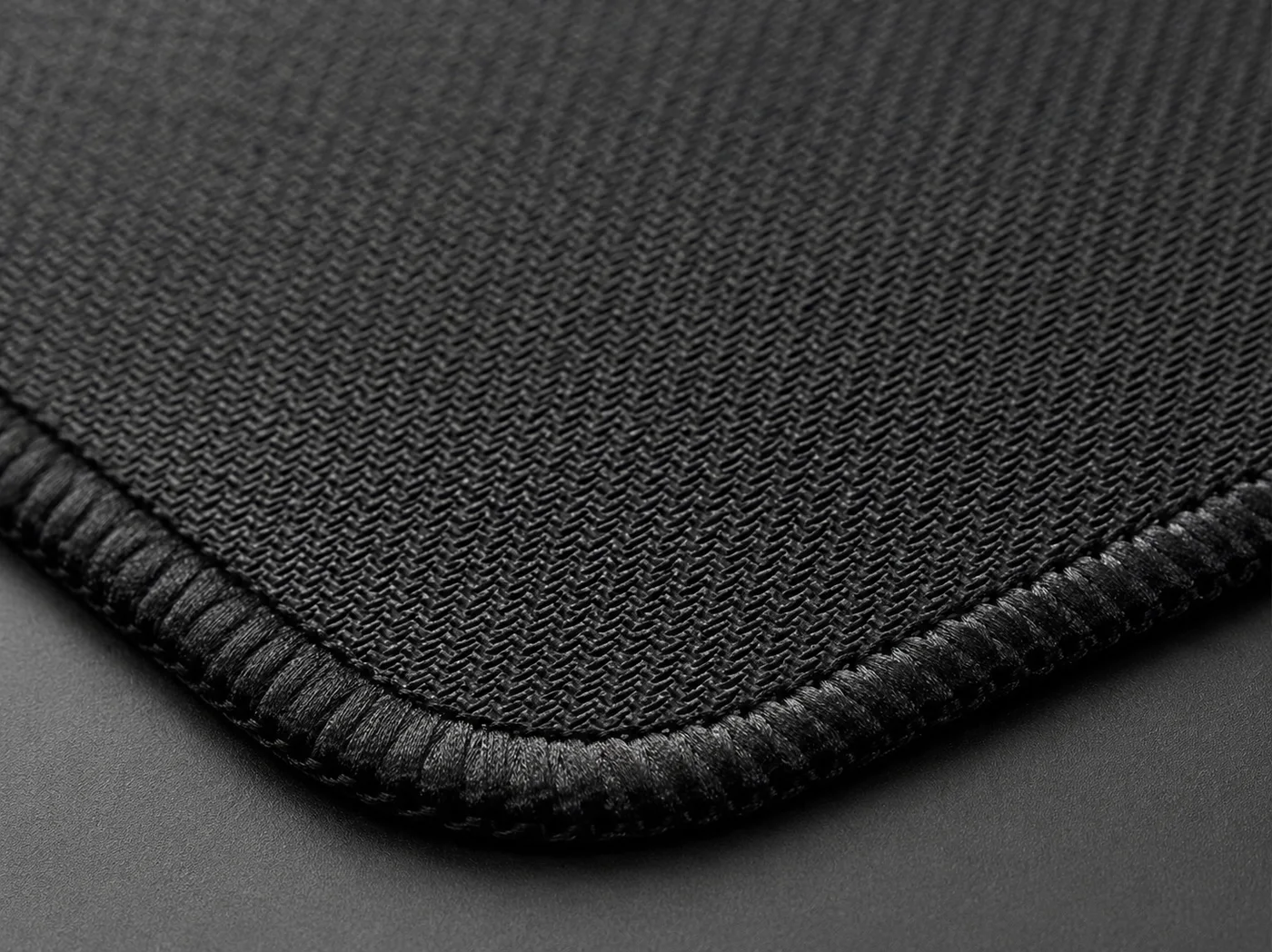
A desk mat does not delete dust, crumbs and pet hair. It relocates them. Some ends up in the weave, where a lint roller handles it, and some migrates past the edges and settles between the rubber base and the desk. That second pile is the only way a mat can damage a desk.
Grit under the base behaves like a sheet of very fine sandpaper. It sits there harmlessly until you shove the mat back into alignment, and then it draws exactly the kind of hairline scratches you bought the mat to avoid. This is why the advice is always to lift a mat rather than slide it, and to get underneath it every few weeks.
Moisture is the other trapped thing, and it is more patient than grit. Liquid that soaks through cloth dries slowly with a rubber lid over it, which is precisely the condition that lifts a laminate seam or blooms a wax finish. After any real spill, the mat comes off the desk and both surfaces dry separately. The full washing routine, including which cleaners kill an HD print, lives in our desk mat cleaning guide.
Stitched edges matter more here than they look. A frayed or curling border lifts off the desk and turns into a funnel for everything on the desk, which is why edge wear is one of the five checks we run before a mat gets listed. A verified buyer put the pass condition better than our own notes do: "Arrived quickly. Feels like it's of good quality, the edges don't curl up. I'm completely satisfied."
Does a desk mat protect your desk, whatever it's made of?
It changes what you are protecting against, and how much you should care.
| Desk top | What threatens it | What the mat changes |
|---|---|---|
| Solid or veneered wood | Moisture rings, hand oil polishing, hairline scratches in the lacquer | The biggest gain of any surface. Rings and abrasion both stop inside the footprint |
| Laminate or melamine | Scratches through the top layer, water creeping into a seam or edge | Strong gain, mostly because point loads and pen pressure never reach the layer |
| Glass | Grit scratches, smudges, cold hard contact, poor mouse tracking | Comfort and glide more than protection. Grip becomes the thing to watch |
| Painted or powder coated metal | Chips at contact points, worn patches where hardware sits | Good gain at the contact points, which is where metal desks actually fail |
Cloth or PU leather: which desk mat protects your desk better?
For pure desk protection they are closer than the marketing suggests, and they fail in opposite directions. Cloth is better under point loads and absorbs a knocked cup before it spreads, but it holds that liquid until you deal with it. The PU leather mat sheds a spill on contact and wipes clean in seconds, which makes it the safer surface on a desk that sees drinks and paperwork all day, but it cushions less under a pen or a laptop corner. The full trade off on glide, writing feel and looks lives in our leather vs cloth guide.
How to make sure a desk mat protects your desk instead of marking it
Seven habits, none of which takes longer than a minute.
- Wipe the desk before the mat goes down. Whatever is there on day one stays under the mat until you next lift it.
- Lift, never slide. Repositioning by dragging is how the grit underneath earns its keep.
- Shake it out weekly. Ten seconds off the desk removes most of what would migrate under the edges.
- Get underneath monthly. Wipe the desk with a dry or barely damp cloth, and shift the mat an inch if the desk sits in direct sun.
- Blot spills in the first thirty seconds. Press straight down with a dry cloth. Rubbing spreads it and pushes it deeper.
- Use a coaster anyway. It keeps the moisture out of the weave entirely, and hot things are not a mat's job.
- Dry both surfaces after a real spill. Mat off the desk, both flat, both dry before they meet again.
average rating across 18 verified buyer reviews on the Deskaru mat range, where grip, stitching and flat edges are the recurring themes
— Verified buyer feedback, 2026
That is the difference between a mat that quietly saves a desk for years and one that slowly writes on it.
Frequently asked questions
Will a desk mat stop a hot mug from marking the desk?
Treat that as a no. A 2 mm mat reliably catches the condensation ring a cold or warm cup leaves behind, which is what marks most desks. Anything hot enough to worry you belongs on a coaster or a trivet, mat or no mat.
Can a desk mat damage the desk underneath it?
It can, in two situations. Grit that works its way under the rubber base turns the mat into a very slow grinding pad every time you shove it back into place, so lift the mat instead of sliding it. And liquid that soaked through the cloth will dry slowly against the desk with a rubber lid on top, so pull the mat off and dry both surfaces after a real spill.
Does a desk mat make sense on a glass desk?
Yes, for different reasons. Glass does not scratch from mouse feet the way a lacquered wood top does, so protection matters less, but the mat kills the cold hard contact under your forearms, quiets the keyboard, and gives the mouse sensor a surface it can actually read. Grip is the thing to watch on glass, which is why we run the base test on both wood and glass.
How often should I lift the mat off the desk?
Once a month is enough for most desks, and after any spill. Lift it, shake it out, wipe the desk underneath with a dry or barely damp cloth, and let both sit for a minute before putting the mat back. That single habit removes the grit that causes the only real scratch risk a desk mat creates.
Bottom line: a desk mat is a genuine abrasion and moisture layer over the part of the desk you actually use. Buy it for the 576 square inches it covers, lift it once a month, and the desk underneath will outlast the mat. Every Deskaru mat is $44.95 with free shipping in 6 to 10 business days and a 30-day money-back guarantee: pick a surface in the Japanese collection, print your own on a custom XXL, or read the reviews page first.

Marcus Vega · Setup Lead at Deskaru
Marcus has built and torn down more battlestations than he can count. He writes the Deskaru setup guides.