
· Marcus Vega
Desk Mat vs Mouse Pad: Do You Need the Big One?
This is the question I get more than any other at Deskaru: "I already have a mouse pad — why would I buy a giant one?" Fair question, and the answer comes down to how wide your desk is and how you play. So let's define the two products properly, run the actual numbers, walk through what full-desk coverage does for your arms and your keyboard, and finish with a straight list of which size to order. No hype, just the numbers.
Desk mat vs mouse pad: what's actually different?
The two products share DNA — cloth top, rubber bottom — but they solve different problems. A mouse pad is a tracking surface: a small rectangle, typically around 10x8 inches, that exists so your mouse sensor reads cleanly. A desk mat is a workspace surface: ours measure 36x16 inches (90x40 cm), 2mm thick, with a fine-weave HD-printed top, stitched edges, and a non-slip base. It sits under your keyboard, your mouse, your forearms, and usually your coffee too.
The distinction that matters is not the product name — it is whether the surface ends before your gear does. A pad you can run off mid-swipe is a mouse pad. A surface where your keyboard, mouse, and wrists never leave the cloth is a desk mat, whatever the store calls it.
| Standard mouse pad | XXL desk mat | |
|---|---|---|
| Typical size | ~10x8" | 36x16" (90x40 cm) |
| What it covers | Mouse only | Keyboard + mouse + forearms |
| Low-sens mouse swipes | Constant repositioning | Full swipe room |
| Keyboard stability | Keyboard sits on bare desk | Keyboard grips the cloth, no rattle |
| Forearm contact | Hard desk edge | Continuous 2mm cloth surface |
| Setup look | A small rectangle floating on wood | One intentional, unified surface |
| Deskaru price | $19.95 (10x11.5" custom pad) | $39.95 (was $59.95) |
All Deskaru mats: free shipping (6-10 business days), 30-day money-back guarantee, secure Stripe checkout. The design you pick on the product page goes with your order and is shown again at secure checkout.
The 7x math, explained
This is the one number worth memorizing in this debate. A standard 10x8" pad gives you 80 square inches of usable surface — roughly 500 cm². A 36x16" XXL mat gives you 576 square inches, about 3,600 cm². Divide one by the other and you land at about seven times the surface for roughly the price of two decent standard pads.
more usable surface on an XXL 36x16" desk mat compared to a standard 10x8" mouse pad
— Deskaru size math, 36x16 vs 10x8 inches, 2026
What does 7x buy you in practice? Three things. First, swipe room: at low sensitivity in an FPS, a 180-degree flick can travel most of a forearm's length, and on a 10x8" pad that means lifting and re-centering the mouse mid-fight. On 36 inches of width, the swipe just… fits. Second, layout freedom: keyboard angle, mouse position, a deck or notebook on the left — everything lives on one surface instead of negotiating around a small rectangle. One verified buyer summed it up: "Bigger than expected. i can fit my mkb and drawing tablet on it and there's still some space." Third, the desk stops looking like a parts bin and starts looking like a setup.
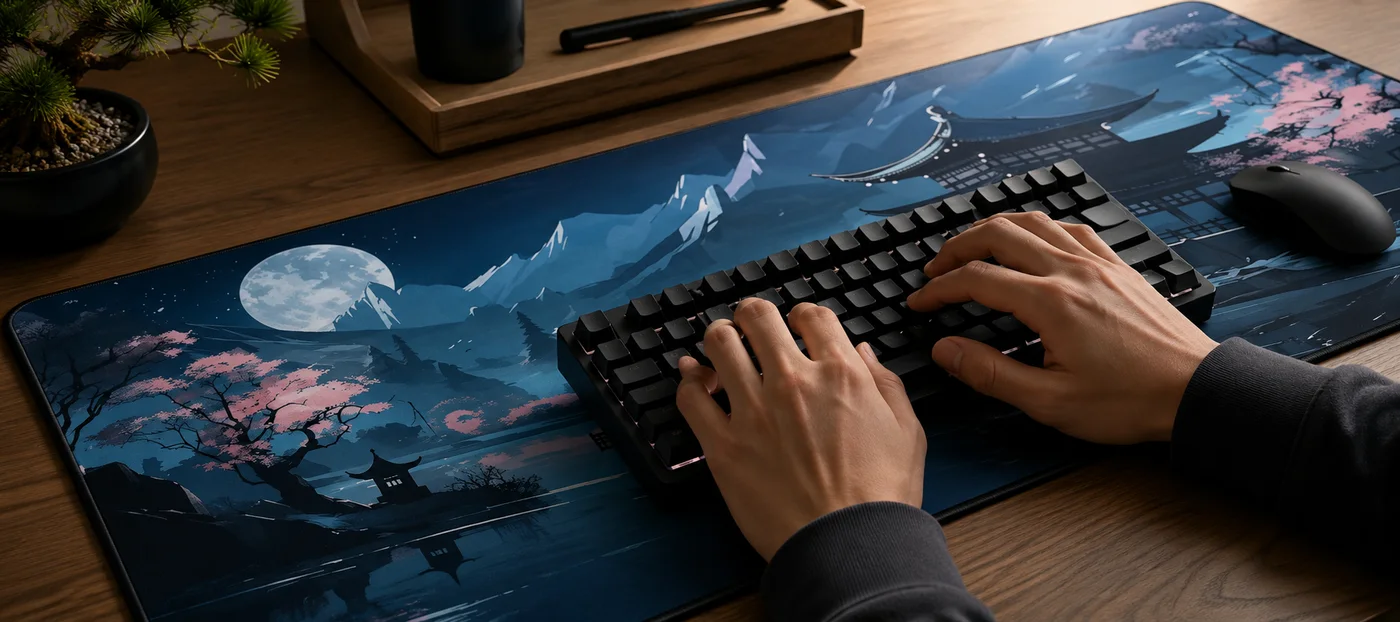
The ergonomics of full-desk coverage
Let me be precise here, because ergonomics is where marketing usually starts hand-waving. What full-desk coverage actually changes is the geometry of what your arms touch for hours at a time, and that is measurable on your own desk tonight.
Your forearms stop resting on a hard edge
On a bare desk with a small pad, your wrists and forearms press against wood or laminate — and often against the sharp front edge of the desk itself. An XXL mat puts a continuous 2mm cloth layer under the full contact zone, from typing position to the far end of a mouse swipe. It is a small difference you notice most at hour three of a session, when the desk edge would normally have carved its line into your forearm.
One consistent height, everywhere
With a standard pad, your mouse sits 2-3mm higher than the desk around it, and your wrist crosses that little cliff every time you reach past the pad's border. Keyboard on wood, mouse on cloth, wrist on both. A desk mat removes the seams: sensor height, wrist support, and friction stay identical across the entire surface, so your muscle memory only has to learn one surface.
Your keyboard stops wandering
Bare desks let keyboards drift — every aggressive WASD session or bottomed-out keystroke nudges it a few millimeters. The fine-weave top plus non-slip rubber base holds both the mat to the desk and the keyboard to the mat. As one verified buyer put it: "Exactly the size ordered and it feels pretty good. It doesn't slide around, just as described."
Sound and feel, on the desk
A 2mm cloth layer takes the clack of a keyboard down a notch and feels warmer under the palms than cold laminate in winter. Put your hand on the bare desk, then on the mat, and the difference lands in about a second. Noticeably softer, and quieter with it.
Who actually needs which
Get the XXL desk mat if…
- You play FPS or MOBA titles at low-to-mid sensitivity. Swipe room is the whole game. This is the single strongest reason to go big.
- You spend full workdays at the same desk. The forearm and keyboard-stability benefits compound over eight-hour days, not twenty-minute sessions.
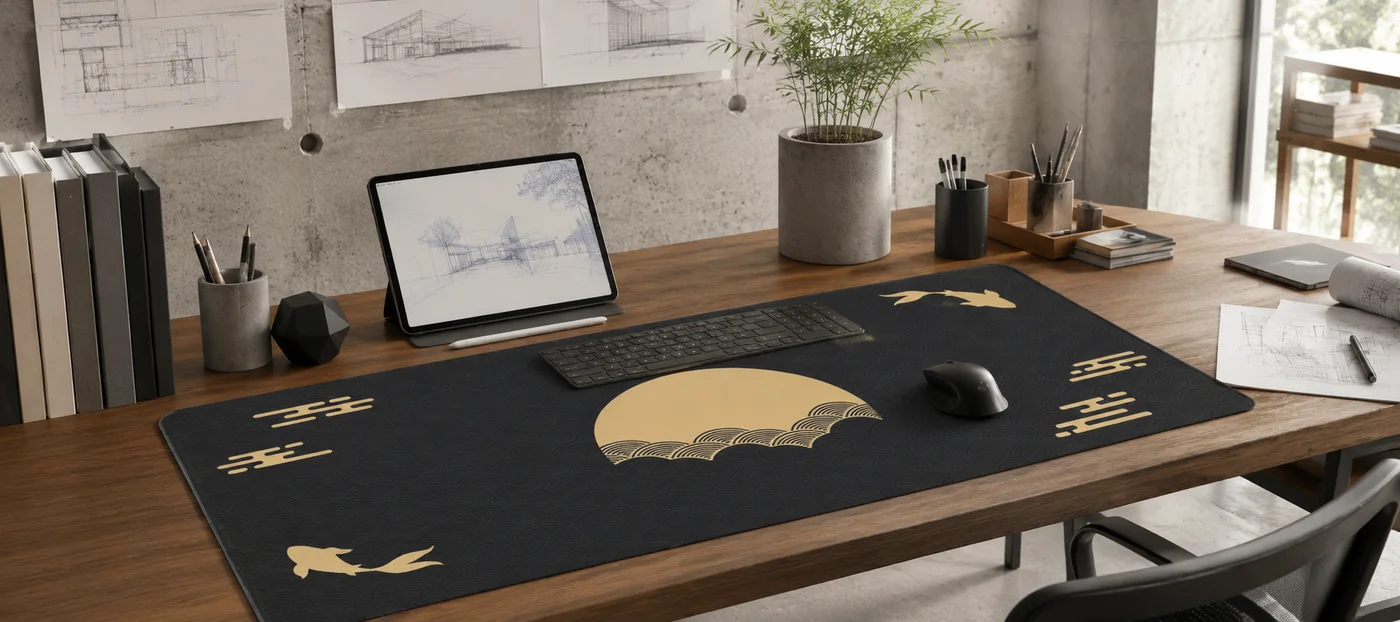
- Your setup is on camera or you just care how it looks. A printed 36x16" surface — say, Golden Moon & Koi from our Japanese collection — does more for a desk's look than any single RGB purchase.
- Your desk is at least ~38 inches wide. The mat is 36" across; give it a couple of inches of breathing room. Full sizing details are in our desk mat size guide.
Go with the 10x11.5 inch pad if…
- Your desk is narrow. Under ~38" of width, an XXL will overhang or crowd. A 10x11.5" pad — like our $19.95 custom mouse pad printed with your own image — is the right tool, not a consolation prize.
- You game at high sensitivity and type on a laptop. If your mouse moves two inches per 360 and there is no external keyboard to stabilize, most of the XXL's benefits go unused.
- The pad travels with you. A rolled 36" mat is not backpack-friendly; a small pad is.
- You want a firm writing surface more than a gaming one. That is a different product again — our PU leather desk mat ($39.95, four colors, two sizes) trades cloth glide for a smooth, wipe-clean writing feel.
Three things to get right before you order
First, measure. People eyeball their desk, order, and discover a monitor stand or PC tower in the way, so take the tape out once. Second, plan on a wipe: a bigger surface catches more crumbs and more coffee, and a damp cloth over 36x16" takes about a minute. Third, choose the design you actually want, because the mat defines the desk visually and you will look at it every day. There are 17 across five collections, and the one you pick goes with your order.
What buyers actually say
Our design mats carry 10 verified buyer reviews at a 4.9 average, and the pattern in the text is consistent: size surprises people in a good way, the non-slip base does its job, and stitched edges hold up. One buyer running a shop wrote: "It is very long and large. I bought this mouse pad for my store to use. Very convenience because it cover a large area for the mouse. Good quality." The full set, photos included, is on the reviews page.
Frequently asked questions
Is a desk mat just a big mouse pad?
Functionally, yes — same cloth-over-rubber construction, scaled up until it covers the whole workspace. The scale is the point: once keyboard, mouse, and forearms all sit on one surface, it behaves like a different product. Naming aside, buy by dimensions, not by label.
Will 36x16 inches fit my desk?
Measure the usable width — you want roughly 38 inches or more so the mat is not flush with the desk edges. Depth-wise, 16 inches leaves room behind it for monitor stands on most desks. Our size guide covers the edge cases, including small desks and corner setups.
Does a desk mat improve aim?
It removes obstacles rather than adding skill. No mid-swipe repositioning, no pad drift, one consistent glide across the whole surface — that consistency is what aim practice builds on. Anyone promising rank gains from fabric is selling you something.
Can I get a desk mat with my own design?
Yes — the custom XXL is the same 36x16" stitched-edge mat printed with your image for $39.95. You pay, email your file, and a human reviews it and confirms the print before production, so nothing gets printed blind.
Bottom line: if your desk has the width and you spend real hours at it, the big one wins — about 7x the surface, a steadier keyboard, and forearms on cloth instead of a desk edge, for $39.95. If your desk is narrow or your pad travels, our 10x11.5 inch custom pad at $19.95 is the right call, printed with your own image. Next steps: measure your desk with the size guide, then see which design fits your setup in our 2026 buyer's guide.

Marcus Vega · Setup Lead at Deskaru
Marcus has built and torn down more battlestations than he can count. He writes the Deskaru setup guides.